
About: LTN Schedule allows you to change your own password independent of your user role.
Change your password
To change your password:
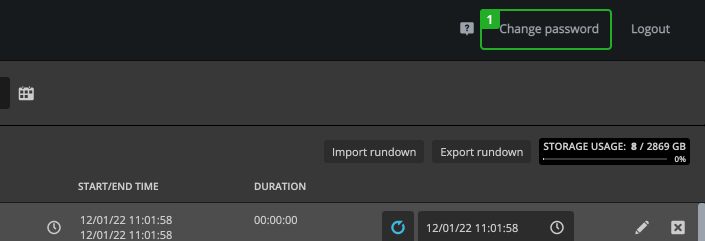
- Click on "Change password" in the navigation.
- Enter your new password and repeat it.
- Click "Save change" button.
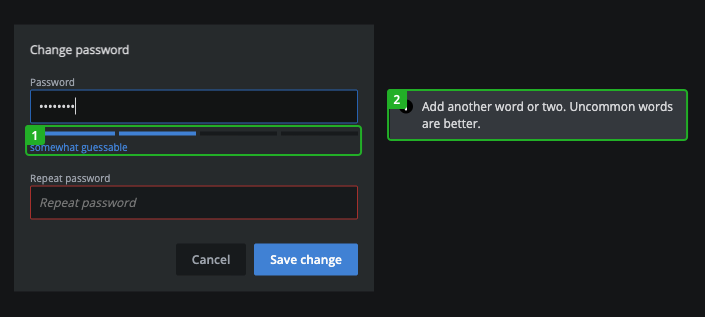
The password strength meter bar (1) under the input field indicates how strong your password is and the popup (2) on the right side gives you hints on how to strengthen your password.
Your new password will be immediately usable.