
About: Deleting an output removes it from all its assigned productions and deletes all configurations such as qualities, destinations, and uploaded images.
Delete an output
To delete an output:
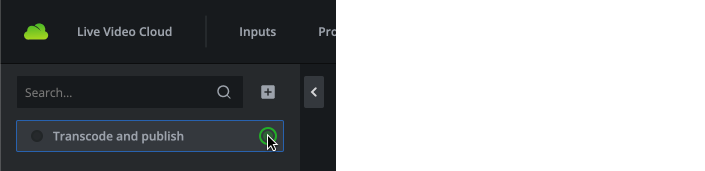
- Go to outputs.

- Select the output you want to delete.
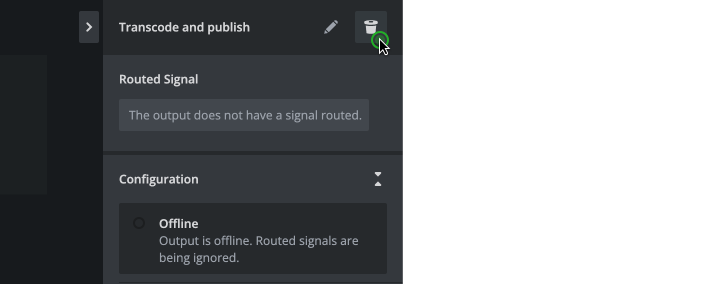
- In the inspector, click delete in top right corner.
- Confirm to delete the output.

The output will be deleted immediately and can not be recovered.
Hint: Deleting an output is only possible if the output is offline and therewith not in use. Any configured credentials for destinations will be lost and can not be recovered. Established OAuth connections via connected accounts are not affected by deleting an output.