
About: Broadcasting with Schedule works by activating and deactivating the playlist and publishing and unpublishing to destinations.
Not sure how to start?
Activate the playlist
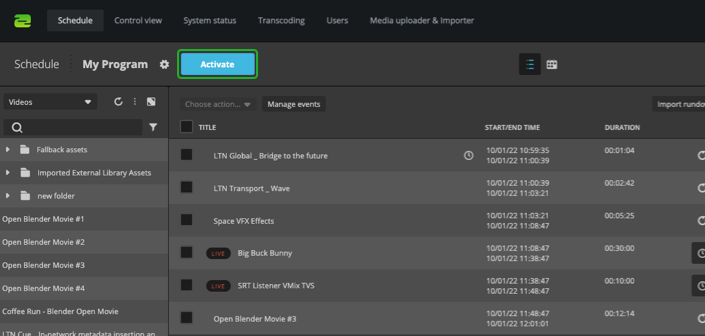
To activate the playlist press the Activate button in the top left corner.
With this action, the playlist is active and will play items corresponding to the selected start time and the current time. The playlist will jump to the first playlist element and will begin pushing out streams to all configured and enabled destinations.
If the set start-time is in the future, the playlist will be automatically activated at the specified time and also start publishing to all enabled destinations.
Publish to enabled destinations
When activating the playlist the system will check if elements at the current time are available and if yes you will be asked to start publishing immediately. When this request gets canceled the playlist will be active but publishing needs to be activated manually.
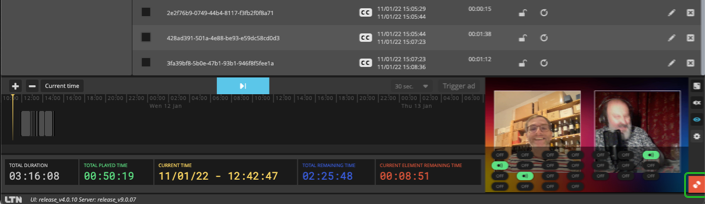
If the playlist should stop publishing to enabled destinations but not stop the playlist, toggle the publish button to turn off publishing in the bottom right corner of the preview window.
How to continue?