
About: The playlist start time can be set for the entire playlist and for each individual playlist element.
Hint: When the playlist start time picker is open hold SHIFT to switch between confirm and start now as actions.
Not sure how to start?
→ Learn how to build a playlist.
Playlist start time
The playlist start time is the date and time when the first element of the playlist should start. Every start- and end-time of all playlist elements is calculated based on the first element.
To set the playlist start time:
- Click the clock icon in front of the start/end time of the first playlist element.
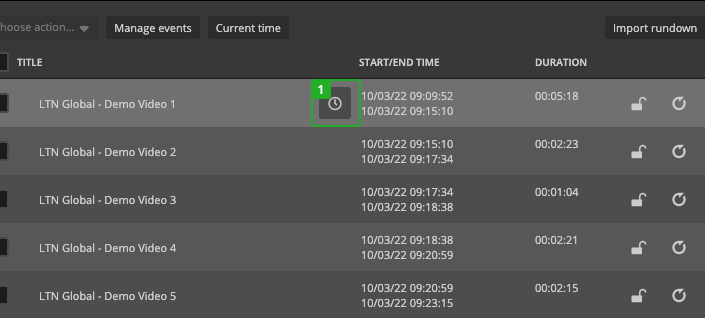
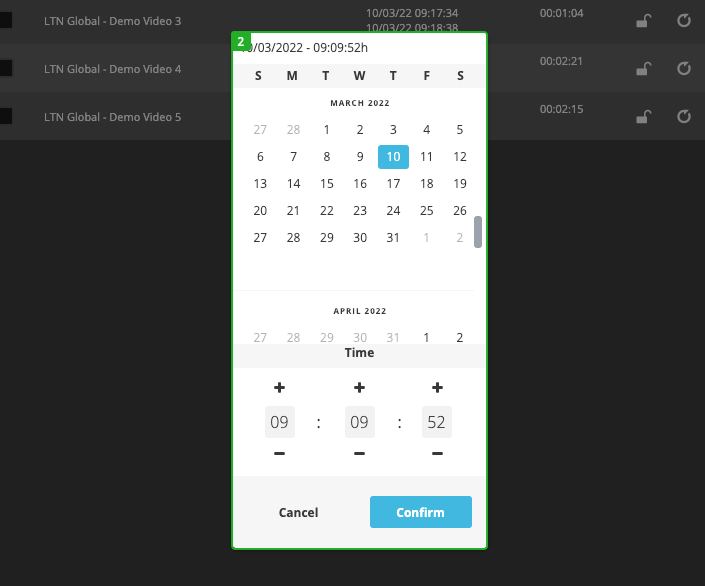
- Set a start date and time in the time picker and press "Confirm".
Element start time
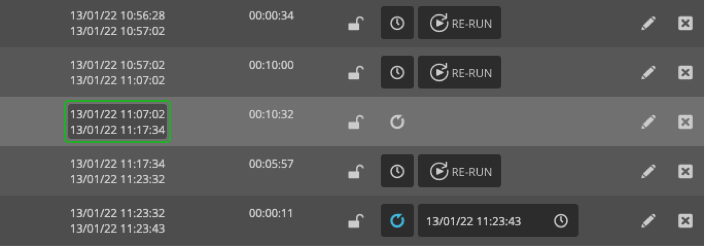
The individual element start time can be changed by clicking on the displayed start/end time.
How to continue?
→ Learn how to start the playlist.