
About: Tags can be added to video files to make it easier to find them by filtering the library.
Hint: When importing or uploading a video that includes tags these also show up in Schedule.
Not sure how to start?
→ Learn how to edit assets in the library.
Add tags to library assets
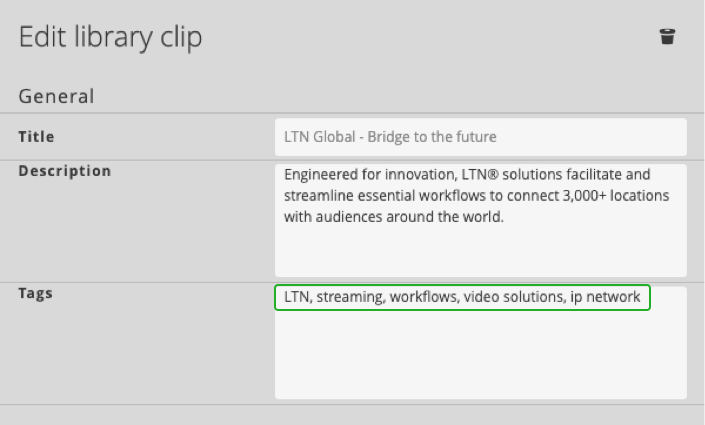
To add tags to a video file:
- Edit the library asset.
- Add tags separated by commas.
- Save.
Tags should include keywords that make it easier for you to find specific videos either by category, theme, people, and subject matter. This is helpful for items that don't have a unique enough title to differentiate the content.
Seeing assigned tags
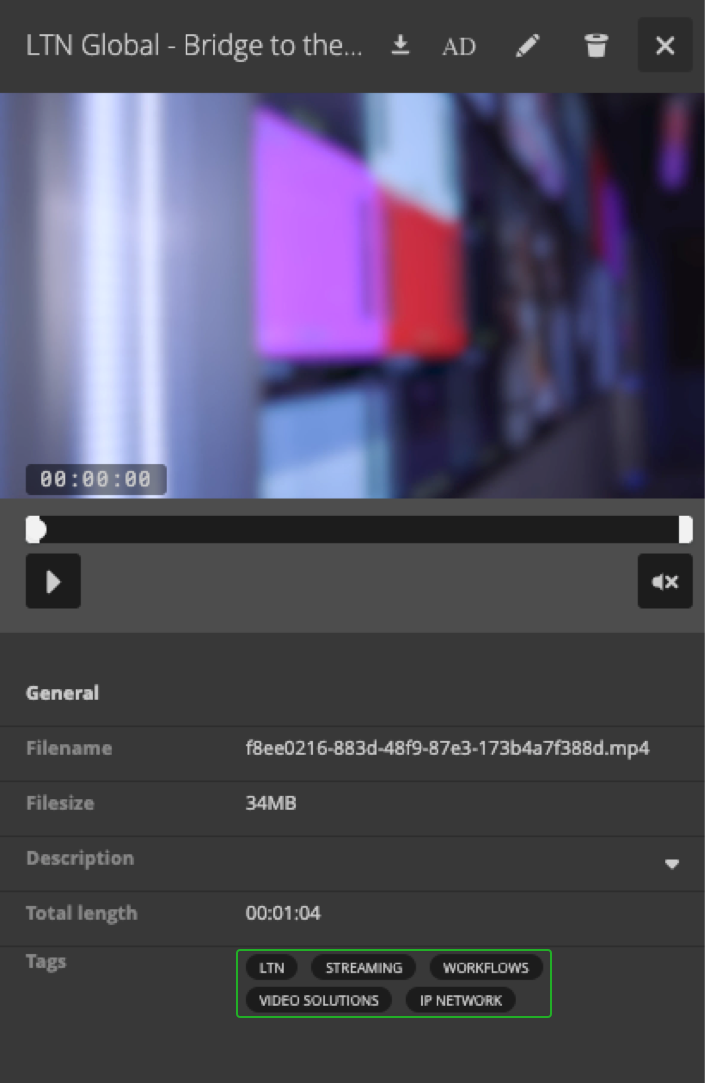
Tags are displayed in the inspector of the library file.
Filtering by tags
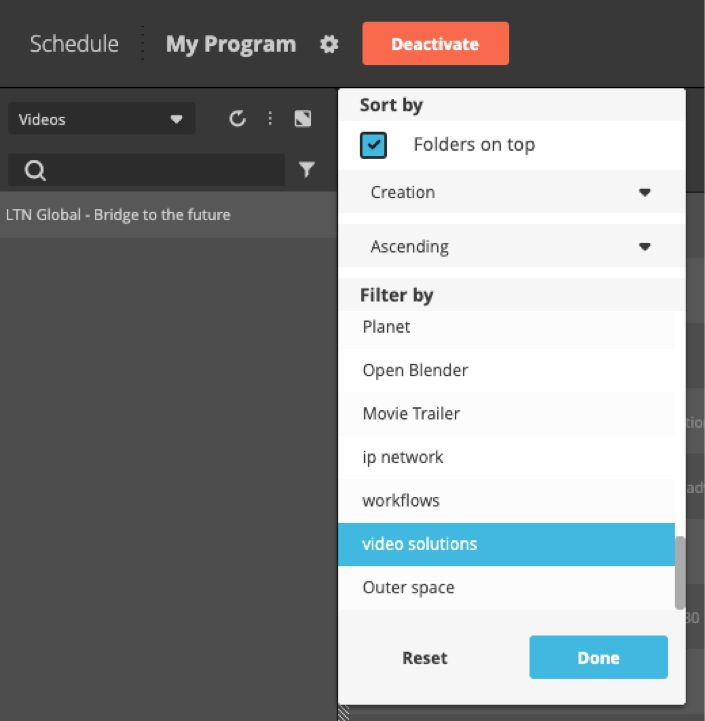
To use tags to find specific videos:
- Click "Filter" in the library.
- Select one or multiple tags.
- Click "Done".
How to continue?