
About: Export scheduled and configured rundowns including media file references and event configuration for import into other LTN Schedule instances.
Export rundowns as XML
With export rundown, you can export an XML file, download it to your computer, and import it into another Schedule system with the import rundown functionality.
To export a rundown:
- Go to "Schedule" in the top navigation.
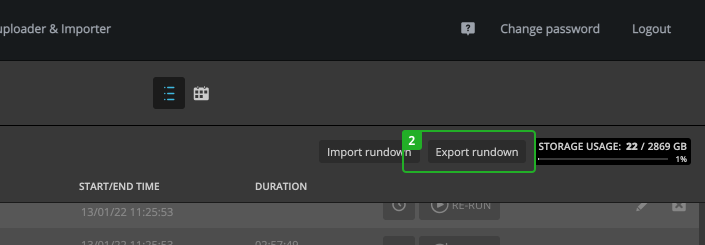
- Click on "Export rundown".
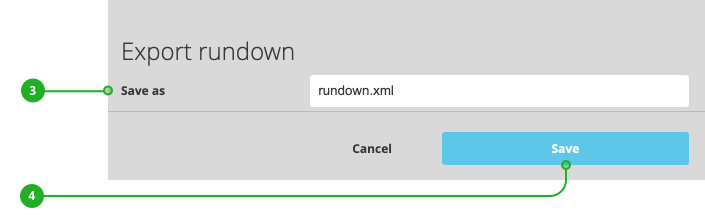
- (Optional) Enter a custom file name.
- Press "Save".
The exported file will be automatically downloaded to your computer.
How to continue?