
About: Deleting a production removes it from Live Video Cloud.
Delete a production
To delete a production:
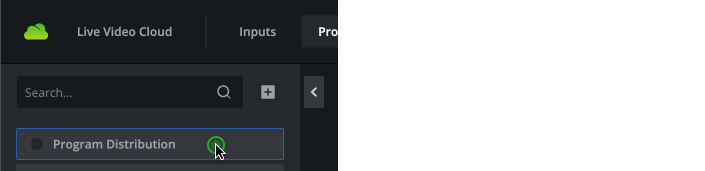
- Go to productions.

- Select the production you want to delete.
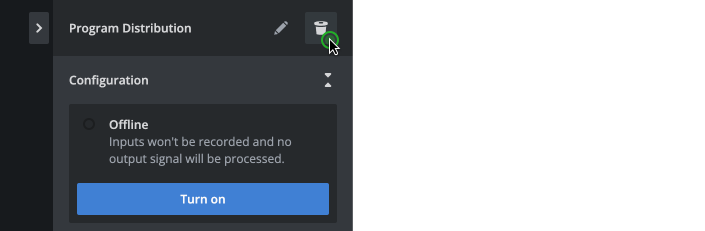
- In the inspector, click delete in top right corner.
- Confirm to delete the production.

The production will be deleted immediately and can not be recovered.
Hint: Deleting a production is only possible if the production is offline and therewith not in use. Assignments of inputs and outputs are deleted as well. Assigned inputs and outputs stay untouched.