
About: Playlist elements can be locked to prevent them from being moved or modified by other actions.
Hint: If you want to adjust the playlist start time you have to make sure that the playlist does not contain any locked elements.
Not sure how to start?
Lock a playlist element
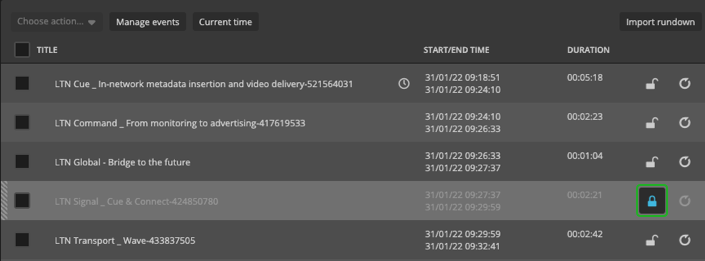
You can lock a playlist element by clicking the lock. The lock icon will change from an open lock to a closed one to indicate that this playlist element is now locked. In this state, it can neither be modified nor moved by any other action that would affect the playlist.
Lock multiple playlist elements at once
You can also bulk lock/unlock multiple elements by checking them in the playlist and using the right-click menu or the action menu dropdown.
How to continue?