
About: Outputs are started and stopped based on their assignment to a production.
Not sure where to start?
→ Learn how to create outputs.
→ Learn how to create productions.
Turn on outputs
To turn on an output while not having a production running already:
- Create or edit a production.
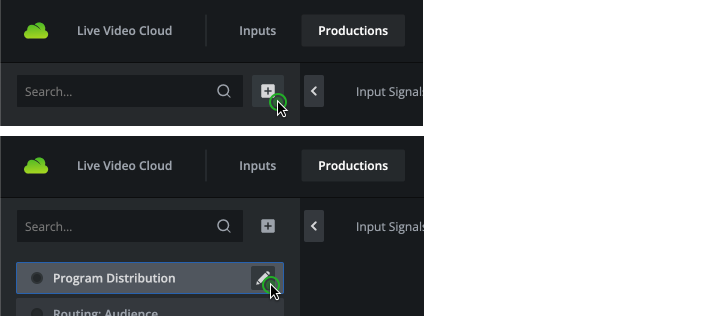
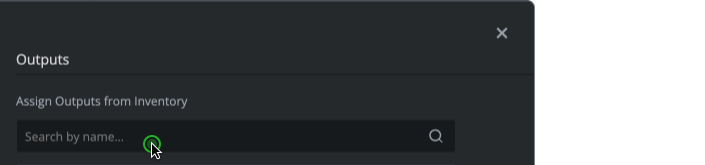
- Go to the outputs tab and assign the output to the production.
- Turn on the production.
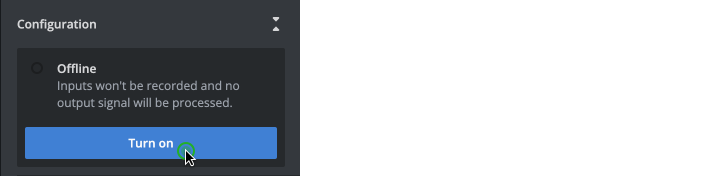
To turn on an output while having a running production:
- Edit the running production.

- Go to the outputs tab and assign the output to the production.
- Save the production.
Turning on an output initiates configured processing of a routed signal as well as signal distribution via resource locations and destinations. Routing a signal to the output becomes available. Enabled resource locations and destinations go online automatically. The starting process takes several minutes.
Turn off outputs
To turn off a single output:
- Edit the running production.
- Remove the output from the production.
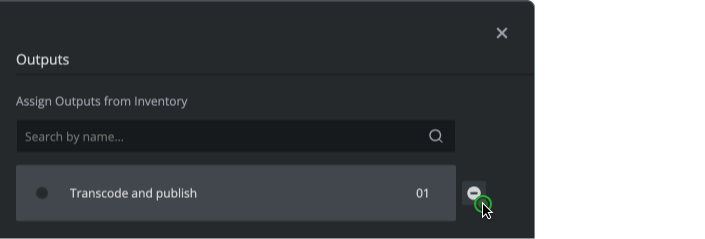
- Save the production.
Turning off an output immediately stops all signal processing and distribution of a routed signal.
How to continue?
→ Learn how to turn on/off productions.
→ Learn how to turn on/off resource locations and destinations.