
About: In the edit dialog of a video file you can trim the video to only use a segment of the footage.
Not sure how to start?
→ Learn how to edit an asset in the playlist
Trim
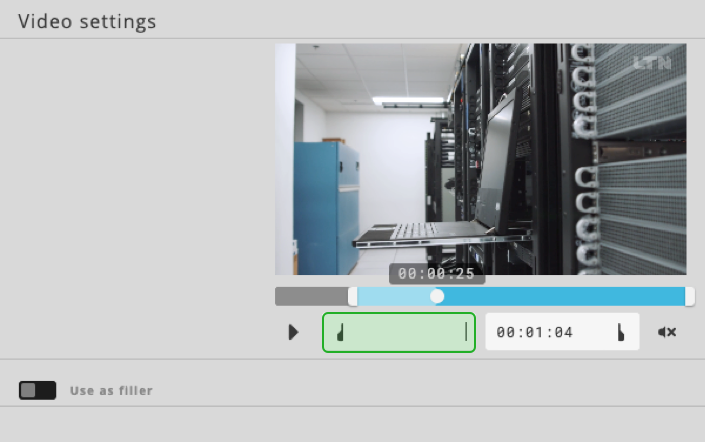
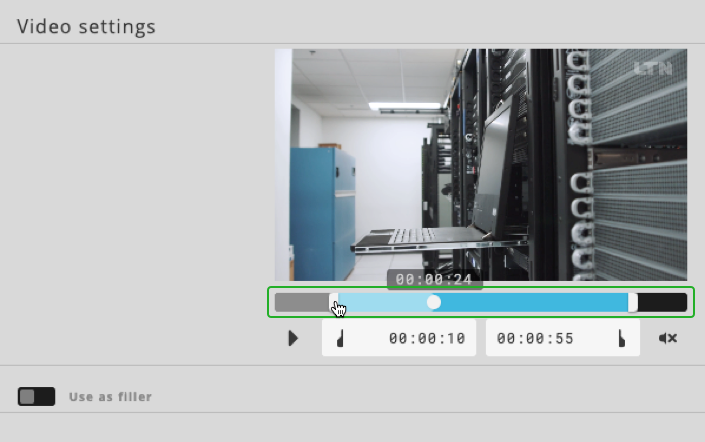
The edit dialogue allows you to set custom start- and end-points for when you want to use a specific part of the given footage. Simply enter the timecode by clicking on the timecode field while holding the Shift-key. Alternatively, you can also drag the markers under the video to trim it as you want to.
Fill-In
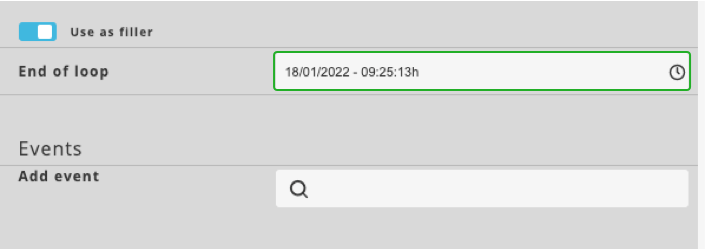
You can activate the Use as filler option to loop the element until a specific time.
How to continue?