
About: Inputs are started and stopped based on their assignment to a production.
Not sure where to start?
→ Learn how to create productions.
Turn on inputs
To turn on an input while not having a production running already:
- Create or edit a production.
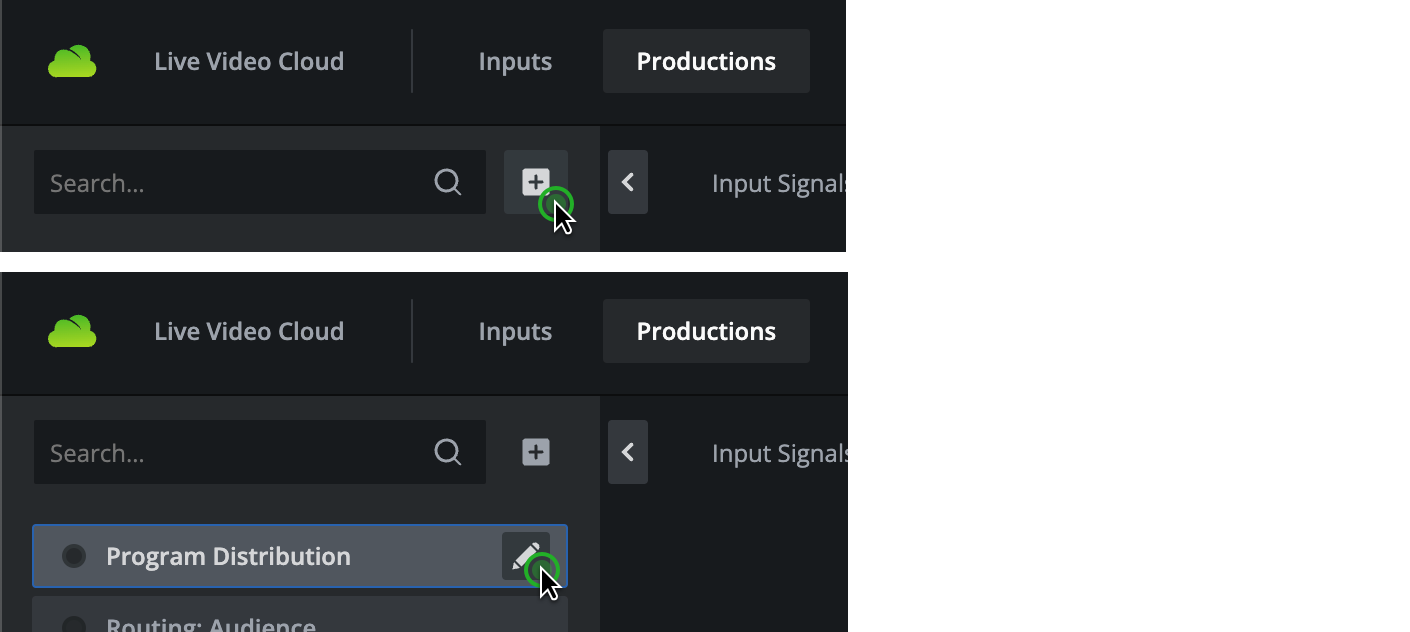
- Assign the input to the production.
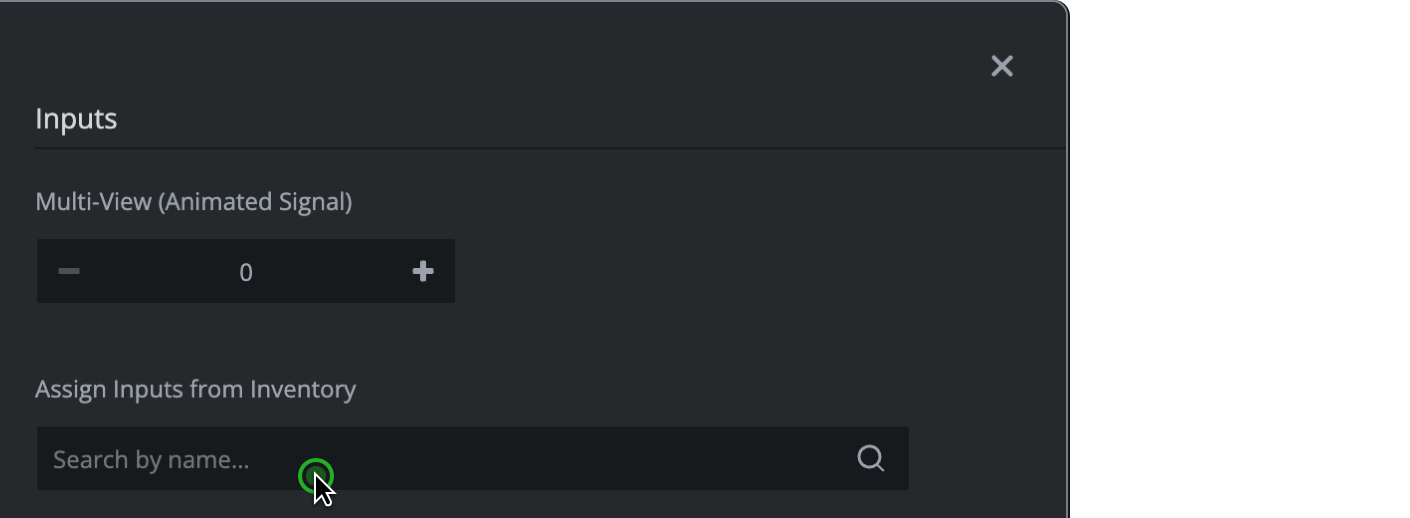
- Turn on the production.
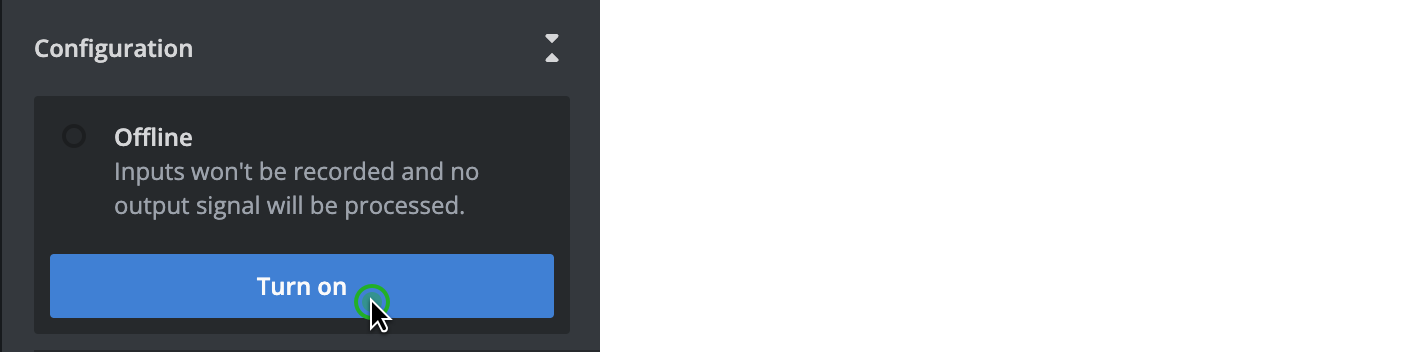
To turn on an input while having a running production:
- Edit the running production.

- Assign the input to the production.
Turning on an input activates the related ingest servers and allows using the provided credentials to ingest live signals to Live Video Cloud. The starting process takes several minutes.
Turn off inputs
To turn off a single input:
- Edit the running production.
- Remove the input from the production.
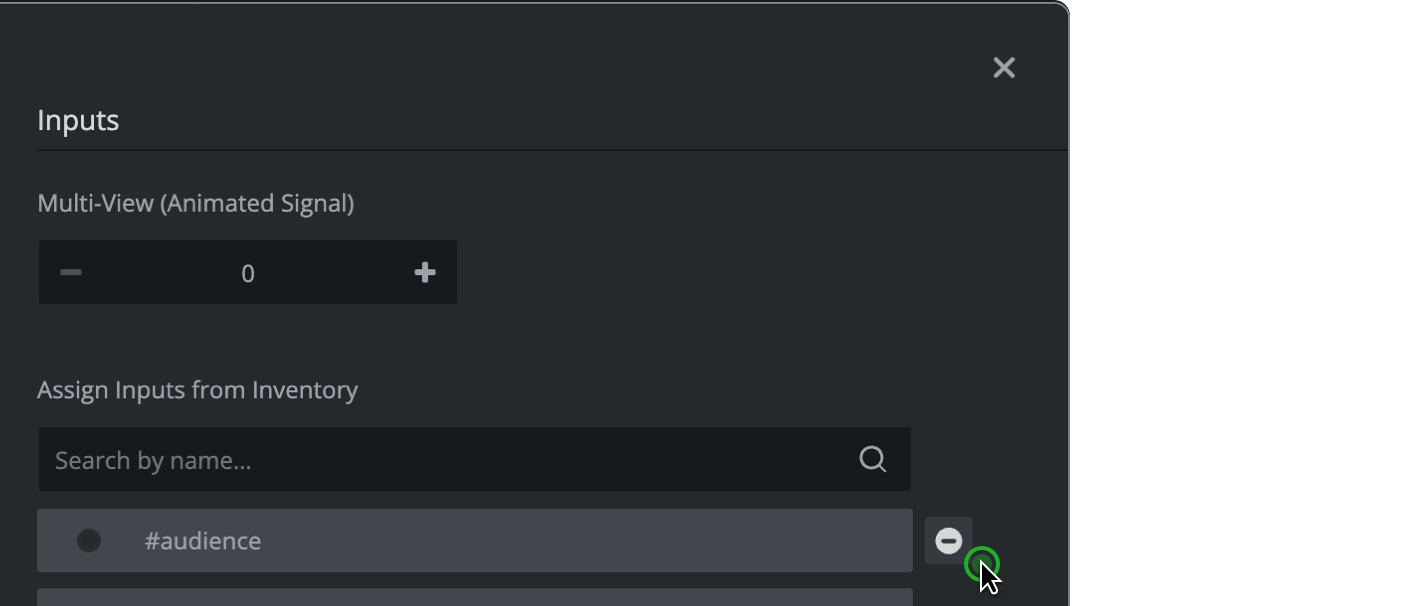
Turning off an input immediately stops all signal ingest.
How to continue?
→ Learn how to turn on/off productions.