
Inputs allow ingesting live content via hardware and software sources running locally or in the cloud, mobiles, and WebRTC-capable browsers.
Create a new input
- Go to inputs.

- Click on the "Create" button in the left sidebar in the upper right corner.

- Select the desired type.
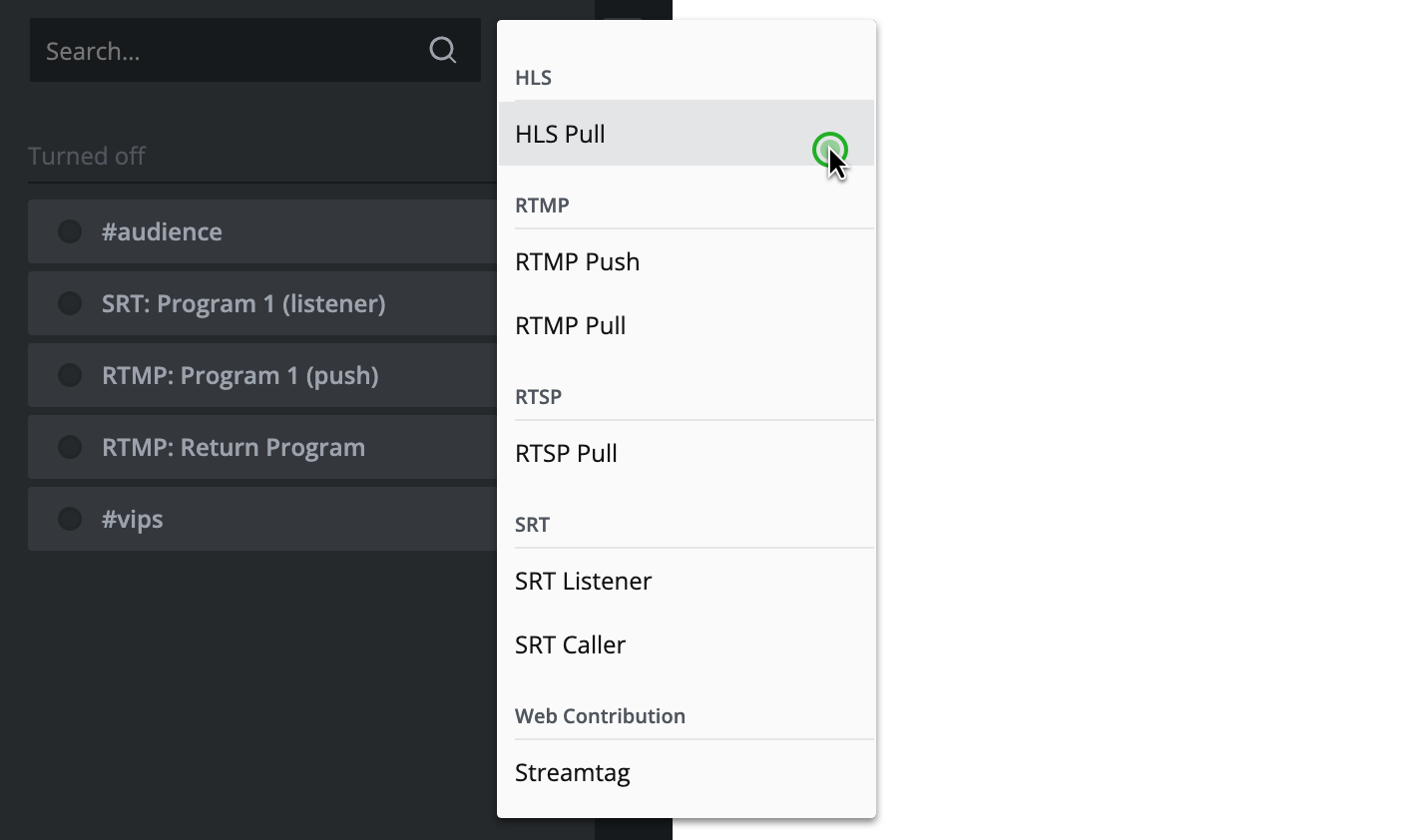
Check the following guides to learn more about the configuration of specific input types:
Edit an existing input
- Go to inputs.

- Place your cursor over the element you want to edit and click the appearing "Edit" button.
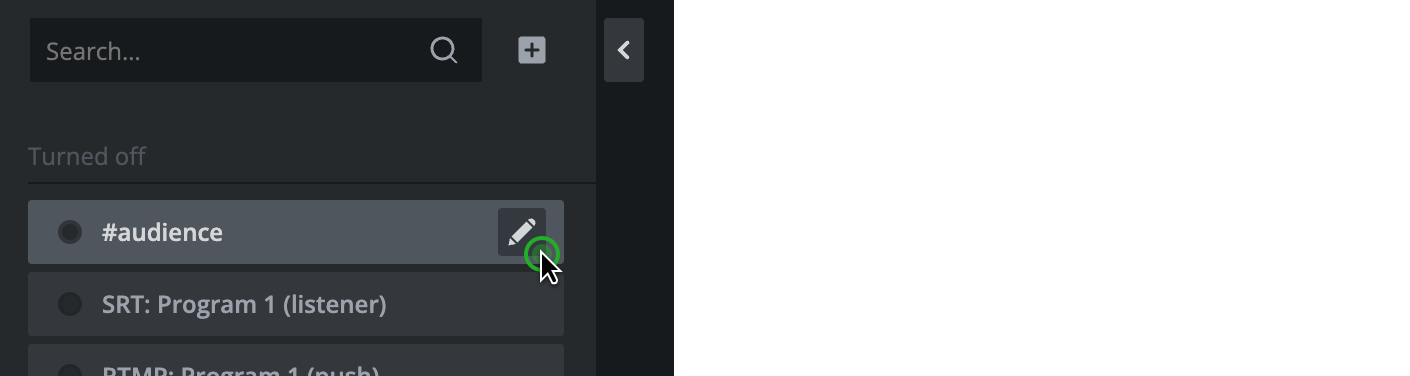
- Or left-click on the element you want to edit and click on the "Edit" button in the inspector in the upper right corner.

Hint: Inputs are displayed in various places. You can always place your cursor over an input and click the appearing "Edit" button.