
About: Each production displays ingested signals of assigned inputs in a multiview grid with up to 48 live signals on one page. How the multiview behaves can be influenced by the configuration of the production and the controls provided at the top of the multiview.
Not sure how to start?
→ Learn how to configure productions.
Display options
Next to the configuration of a production the control options provided by Live Video Cloud directly influences the behavior of the multiview.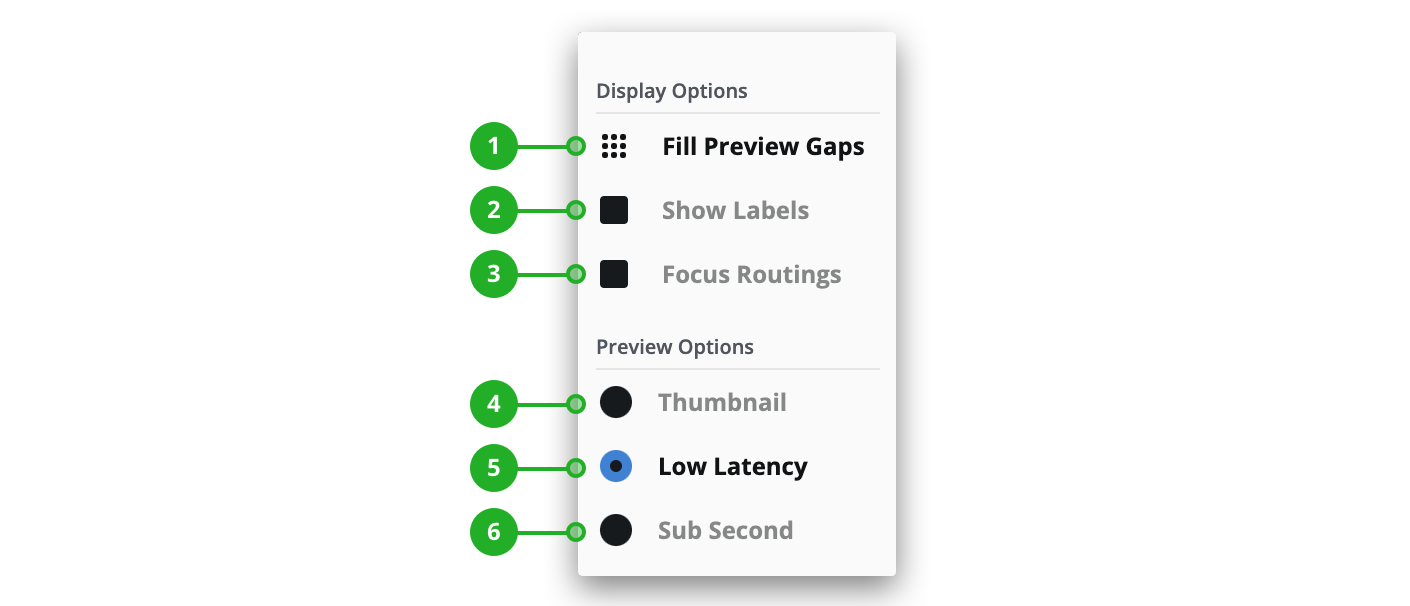
Display options
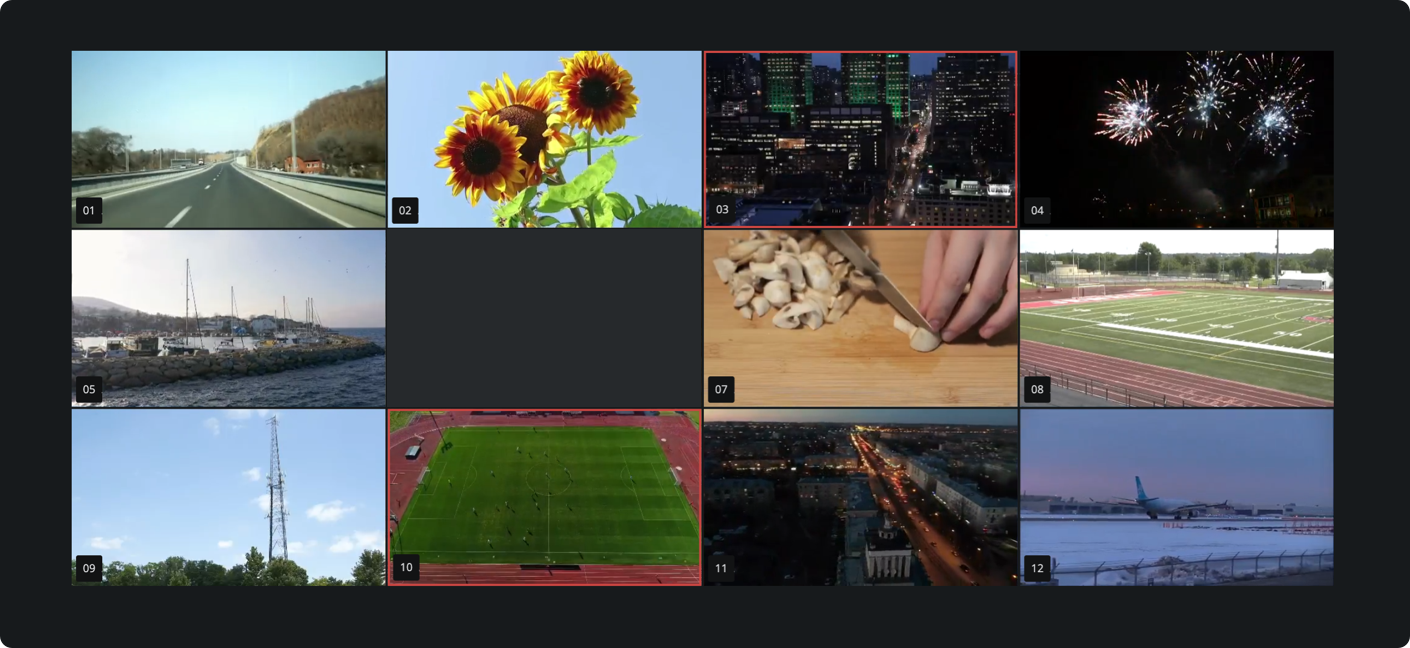
- Fill preview gaps: Reorganizes the displayed signal tiles to fill gaps. Live Video Cloud will move signals from the end to empty tiles to change as few positions as possible.
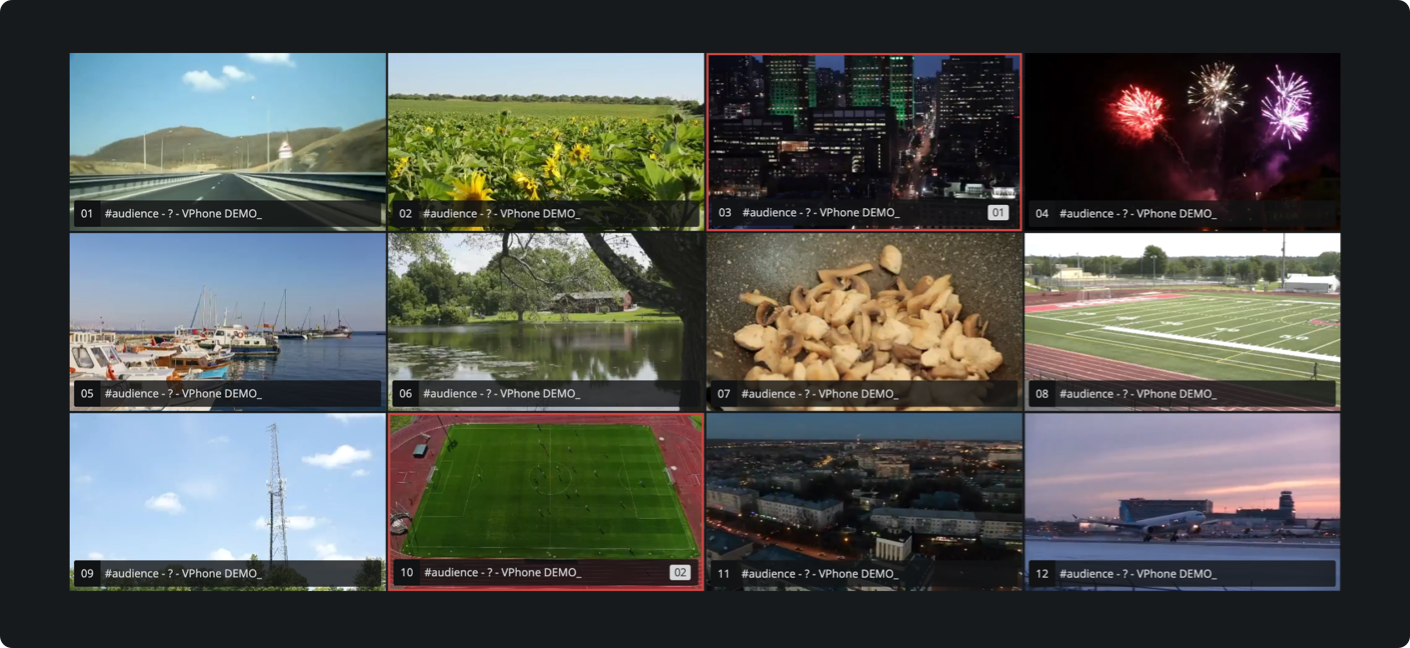
- Show labels: Always show the labels of signal and output tiles that are otherwise just revealed when placing your mouse on a tile.
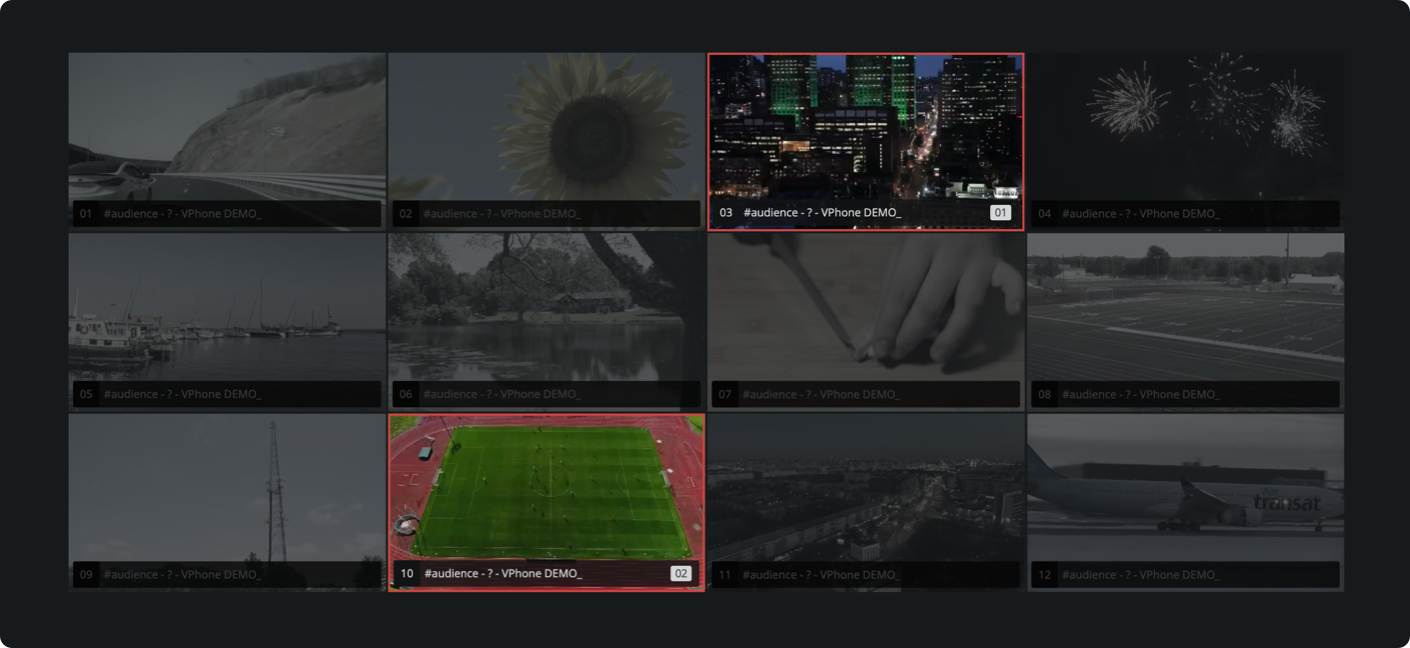
- Focus routings: Always show routing connections that are otherwise only revealed if a routed signal or output is selected.
Preview options
- Thumbnail: Use thumbnail previews instead of animated signals even if animated signals are configured for the production to save downstream bandwidth.
- Low latency: Use a slower mechanism to load animated signals into your browser via HLS. The time delay between ingest preview and delivery of the animated signal to your browser will be about 8-10 seconds.
- Sub second: Use a faster mechanism to load animated signals into your browser via WebRTC. The time delay between ingest preview and delivery of the animated signal to your browser will be about 2-5 seconds.
How to continue?