
About: Routings between signals and outputs can be overwritten and also removed if no replacement routing is required.
Not sure how to start?
→ Learn how to control productions.
→ Learn how to inspect outputs.
Remove a routing
You can remove a routing by inspecting the signal or output the routing belongs to.
To remove a routing via an output:

- Inspect the output.
- Click "Remove" next to the routed signal element.
- Confirm your action.
To remove a routing via an input:
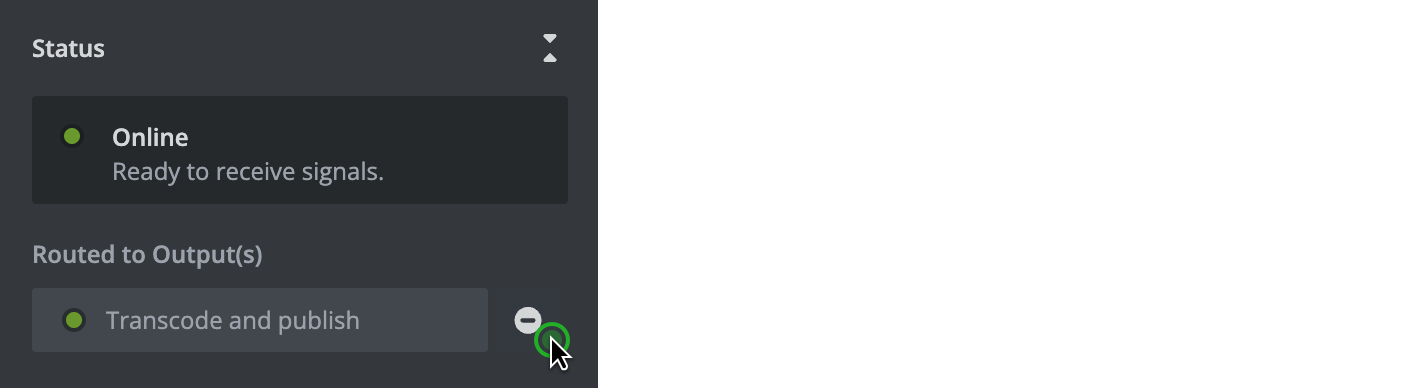
- Inspect the input and live signal.
- Click "Remove" next to the routed element.
- Confirm your action.
The routing will be removed immediately and the respective output will not receive a replacement signal until a new routing is created.
Hint: Instead of removing a routing of an output, you can also overwrite an existing routing by routing a different signal to the same output. Since outputs can only process one signal at a time, routing a different signal to the same output always acts as an overwrite. Routing signals to multiple outputs however does not remove existing routings to other outputs.