The LTN Schedule is able to distribute to multiple outputs.
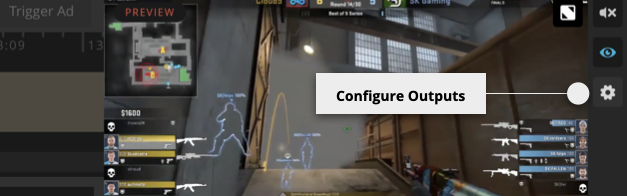
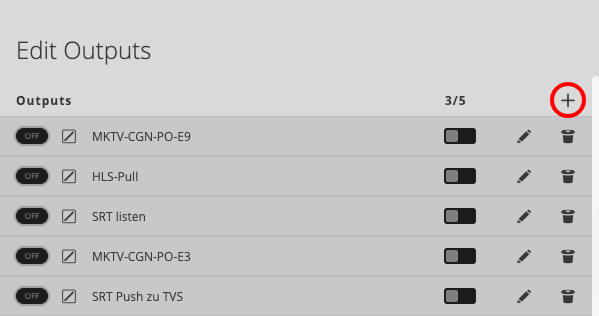
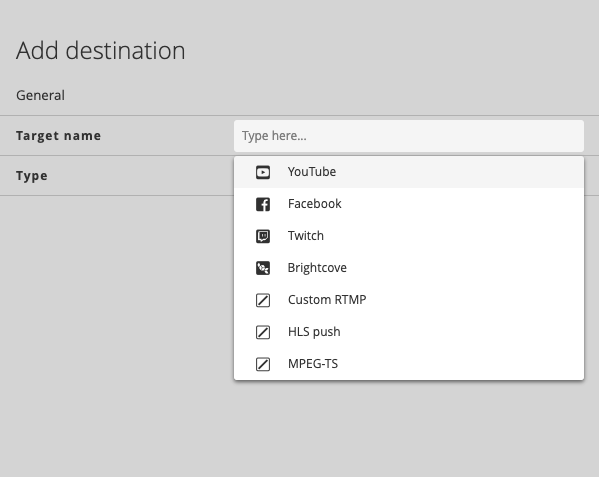
To open this dialog click on the settings button in the lower right area next to the preview monitor. In the next step you are able to switch ON/OFF, add or modify outputs. This is also possible while the LTN Schedule is running. Changes are instantly taken over and pushed out to the configured destination.
For details how to configure specific Target types see:
- Configure Youtube Social destination´
- Configure Facebook Social destination
- Configure Twitch Social destination
- Configure Brightcove Social destination
- Configure HLS push destination
- Configure HLS pull destination
- Configure RTMP destination
- Configure MPEG-TS SRT destination
- Configure MPEG-TS TCP destination
- Configure MPEG-TS UDP destination