
About: You can delete a destination if you do not need it anymore. Deleting a destination will irrevocably remove it is a publishing destination including all its configurations.
Not sure how to start?
→ Learn to create destinations.
Delete a destination
To delete a destination:
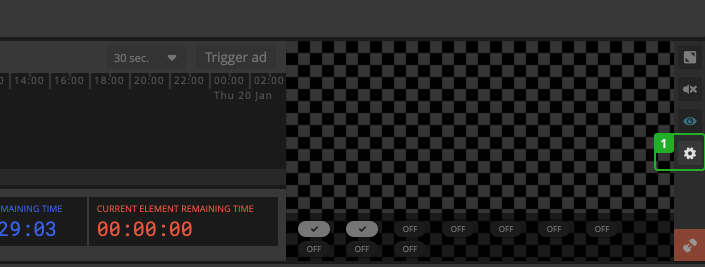
- Click "Configure destinations" in the bottom right corner, next to the output preview.
In the dialog:
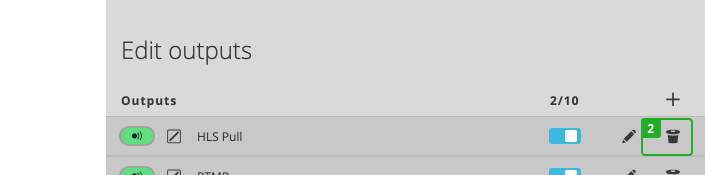
- Click "Delete destination" on the destination you want to remove.
- Confirm the action.
Your destination will be deleted immediately.