
About: YouTube, Facebook, Twitch, and Brightcove destination use an established OAuth connection to communicate with the destination platform. You can revoke an existing OAuth connection by emptying the API code.
Not sure how to start?
→ Learn to create destinations.
→ Learn to create a YouTube destination.
→ Learn to create a Facebook destination.
→ Learn to create a Twitch destination.
→ Learn to create a Brightcove destination.
Revoke OAuth permissions
To revoke OAuth permissions for an existing YouTube, Facebook, Twitch, or Brightcove destination:
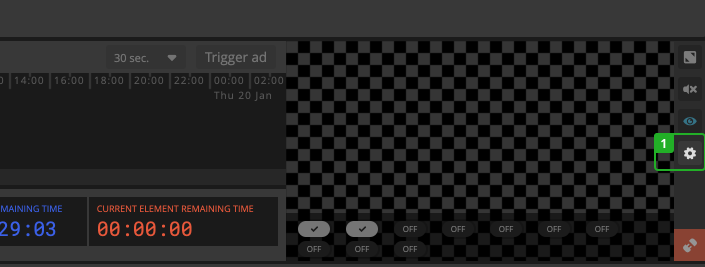
- Click "Configure destinations" in the bottom right corner, next to the output preview.
In the appearing dialog:
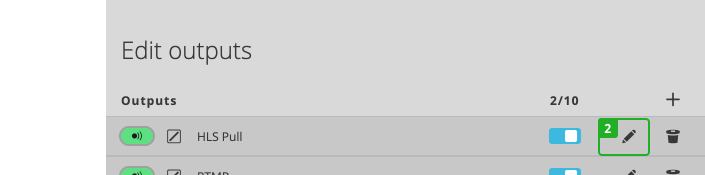
- Click "Edit" on the destination which's permissions you want to remove.
In the destination dialog:
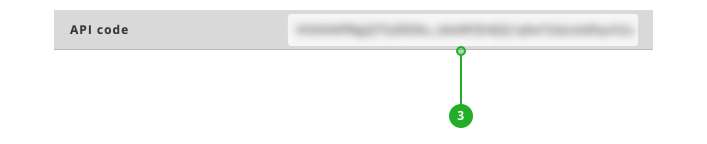
- Empty the "API code" field.
Press "Modify destination" to save your changes.
The OAuth permissions are removed immediately and the respective destination will not be able to communicate with the destination platform or publish content to the destination platform.