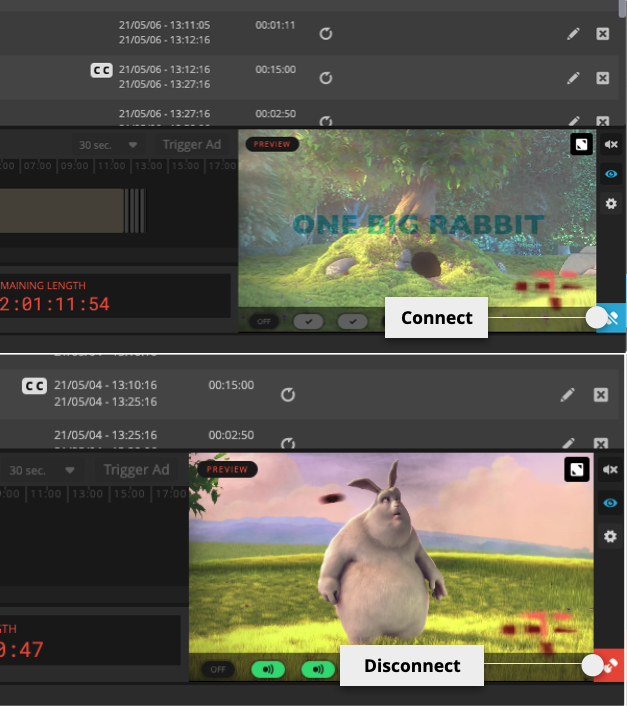
Output preview
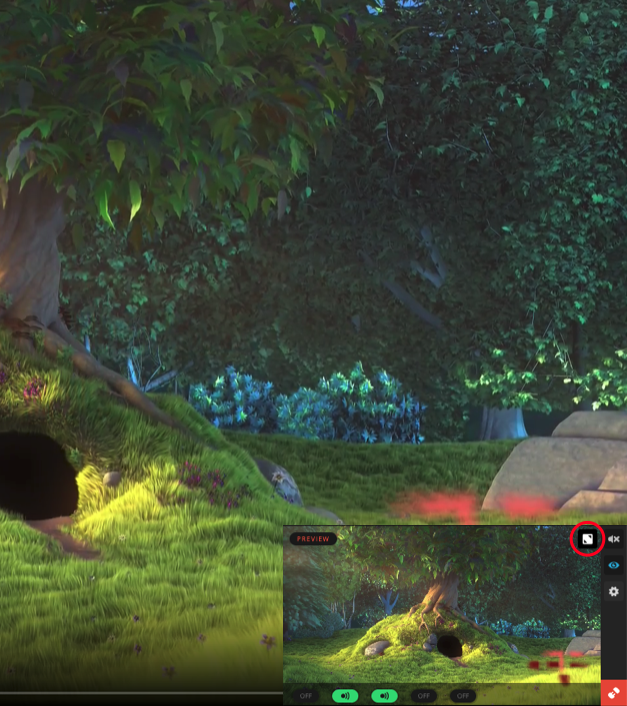
To monitor the outputs in higher resolution, you may expand the output preview by using the fullscreen button in the top right corner of the preview panel.
To exit the larger preview, simply click on the button again.
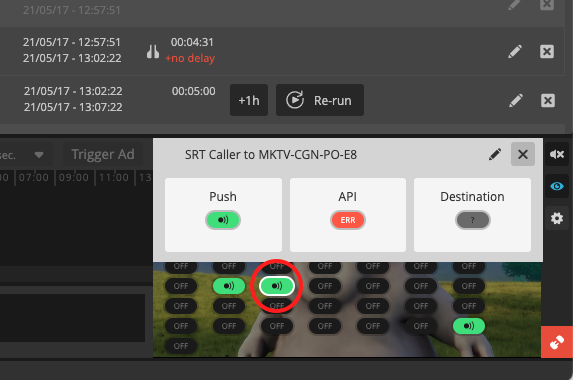
To get a detailed view of a destination status, you can click on the status pill in the preview window.
Connect Outputs
You can connect and disconnect all outputs at once using the outputs button in the bottom right corner.