
About: To organize and find assets in the LTN Schedule library, you can search for them or use filters to show only assets with specific tags.
Not sure how to start?
→ Learn to create and use folders.
Search in the library
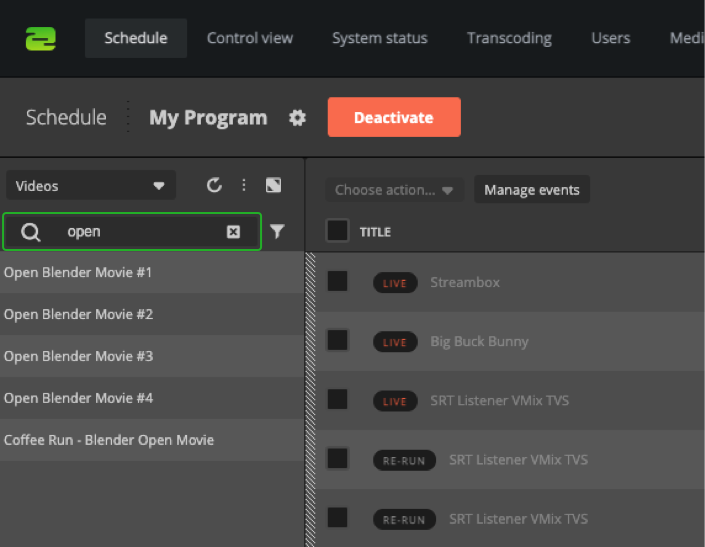
To search the library for a specific asset, you can enter the search word into the search bar. It will also find assets in folders and subfolders.
Filter the library
To filter the library:
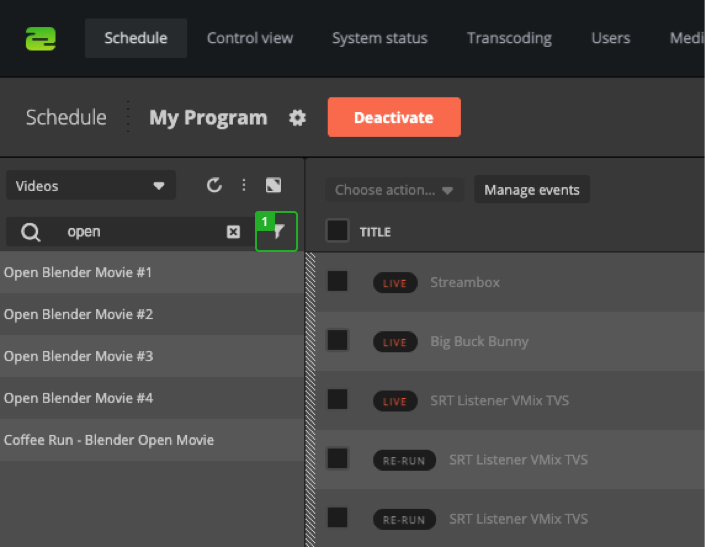
- Open the filter options next to the search bar.
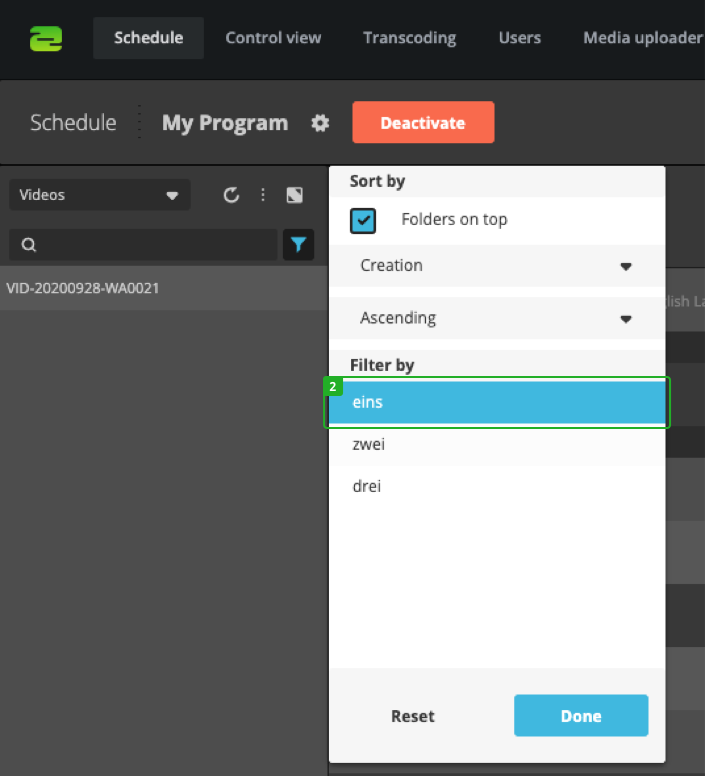
- The menu shows available tags. Select tags to add them to your filter criteria. You can also sort the list by asset creation date, name, and duration or change the ordering ascending or descending.
Hint: To use filters most efficiently, ensure your video assets are appropriately tagged.
How to continue?